Voice may not work in this app. Tap the three dots, then “Open in browser.” Or just type it.
Try Heard.
It is a pretend kitchen. Talk to it. Watch what changes.
Pretend kitchen. Nothing here is real.
Start here
Pick one job. We set it up for you.
Job 1
Mark something out.
You are Carlos, a cook. Say a food is out. Watch the dishes that use it leave the server menu.
StartJob 2
Check in a short delivery.
You are Chef Maya. See what came short and the note to ask for money back.
StartJob 3
Paste in a recipe.
You are Chef Maya. Paste a recipe card. See each ingredient matched, with its cost, for you to check.
Start
Say it yourself
Or say it yourself.
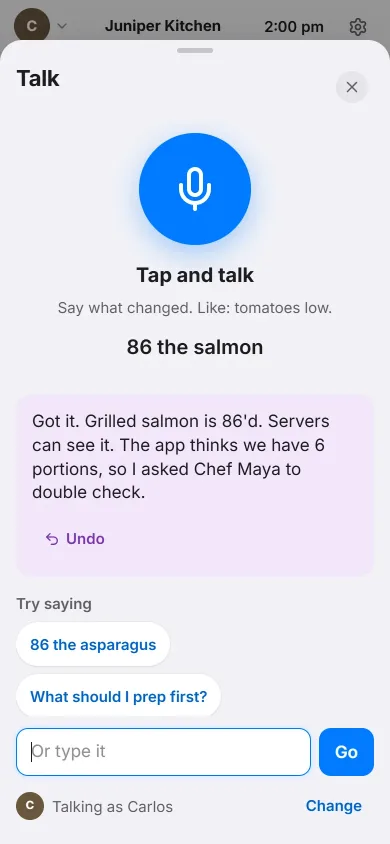
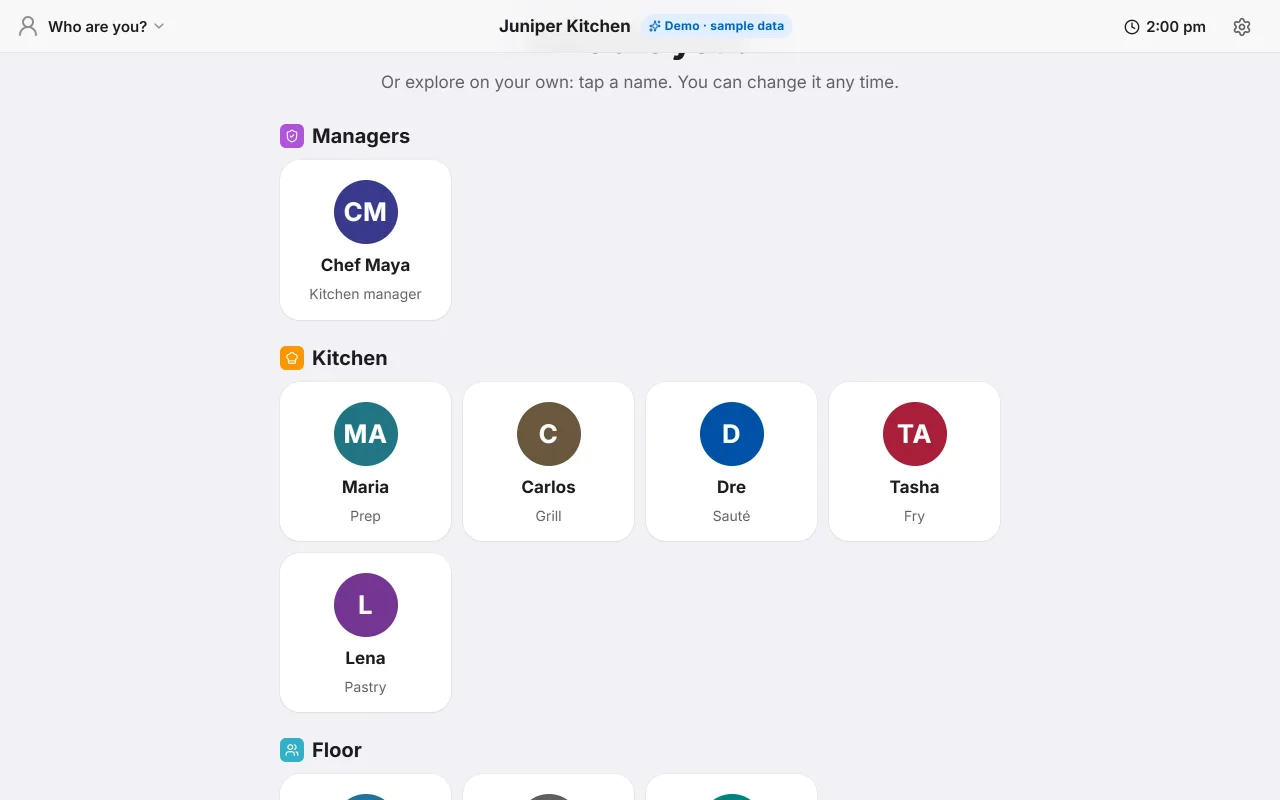
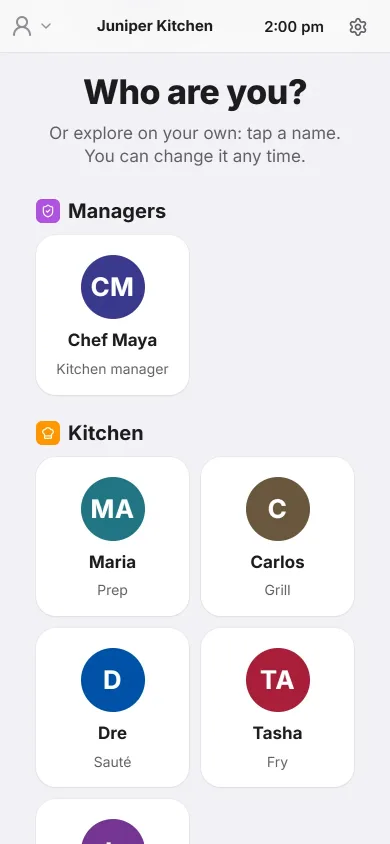
First tap a name. Then tap Talk and say the words. No mic? Tap “Or type it” and type them.
86 means we are out of it.
| Pick | Say | You will see |
|---|---|---|
| Carlos (a cook) | “Got it. Grilled salmon is 86'd. Servers can see it. The app thinks we have 6 portions, so I asked Chef Maya to double check.” Now tap the round picture at the top and pick Jasmine. The salmon is out of her menu. | |
| Jasmine (a server) | “Table 12: 1 Caesar salad. Rung in. Grilled salmon is 86'd, so I held that one.” Do the salmon first. | |
| Chef Maya | “Got it. Limes are low. I put 1 case on the Fresh Valley order.” | |
| Carlos (a cook) | Heard says no, on purpose: “Can't make pico de gallo. Out of Roma tomatoes. 1 case is on the Fresh Valley order for tomorrow, not sent yet.” Want it to work? Pick Chef Maya and say Then pick Carlos and say it again. |
Picked the wrong person? Heard tells you who can do it. Try again with another name. (For example: “Sorry Jasmine, servers can't 86 items. A cook or Chef Maya can.”)
You may have seen this called Line Board. Same thing, new name. Stuck? Open Settings, then Try a guided task.
Good to know
Your voice
- Your phone or laptop will ask: Can I use the microphone?
- Tap Allow. That lets Heard hear you.
- Tap Talk when you are ready.
- No mic? No problem. Tap “Or type it” and type the same words.
- Your browser turns your voice into words. Heard reads them. We don't keep them.